



 WhatsApp
 WooCommerce Payment Gateway Integration





- 5.0 Rating on Clutch, 35 reviews
-
120+ Projects launched
-
90+ PageSpeed score as standard
-
Weekly Demos on a staging site
-
Fixed Scope and price before start
Why buyers drop at payment
-
01
Missing local methods
Dutch buyers expect iDEAL, Polish buyers BLIK, US buyers Apple Pay. If their method is missing, they leave.
-
02
SCA and 3D Secure failures
European cards need Strong Customer Authentication. A bad setup declines good customers.
-
03
Paid orders stuck on pending
Webhooks fail silently, so paid orders look unpaid in the admin and stock goes wrong.
-
04
Slow checkout
Several gateway plugins load their scripts on every page and slow down the whole store.
-
05
No plugin for your provider
Some banks and local providers have no WooCommerce plugin, or one that has not been updated in years.
-
06
Refunds out of sync
Refunds made in the gateway dashboard never reach WooCommerce, and accounting stops matching.
Payments we integrate
-
Stripe and WooPayments
Cards, Apple Pay, Google Pay, SEPA and local methods through one account, ready for SCA.
-
PayPal
PayPal Checkout, Pay Later and card fields, set up so buyers stay on your site.
-
Buy now, pay later
Klarna, Afterpay and similar options, with payment messaging next to the product price.
-
Local and bank methods
iDEAL, Bancontact, BLIK, Przelewy24 and more through Mollie, Adyen or direct bank APIs.
-
Custom gateway plugins
If your bank has no plugin, we build one on its API, with webhooks, refunds and logging.
Learn more -
Recurring and split payments
Tokenized renewals for subscriptions and split payouts with Stripe Connect.
Learn more
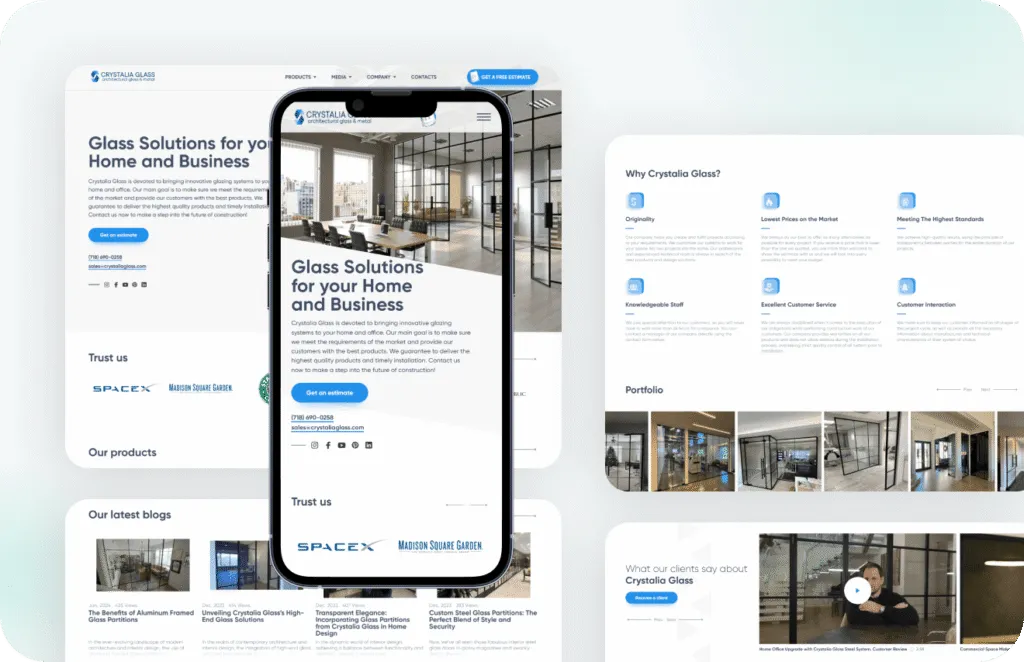
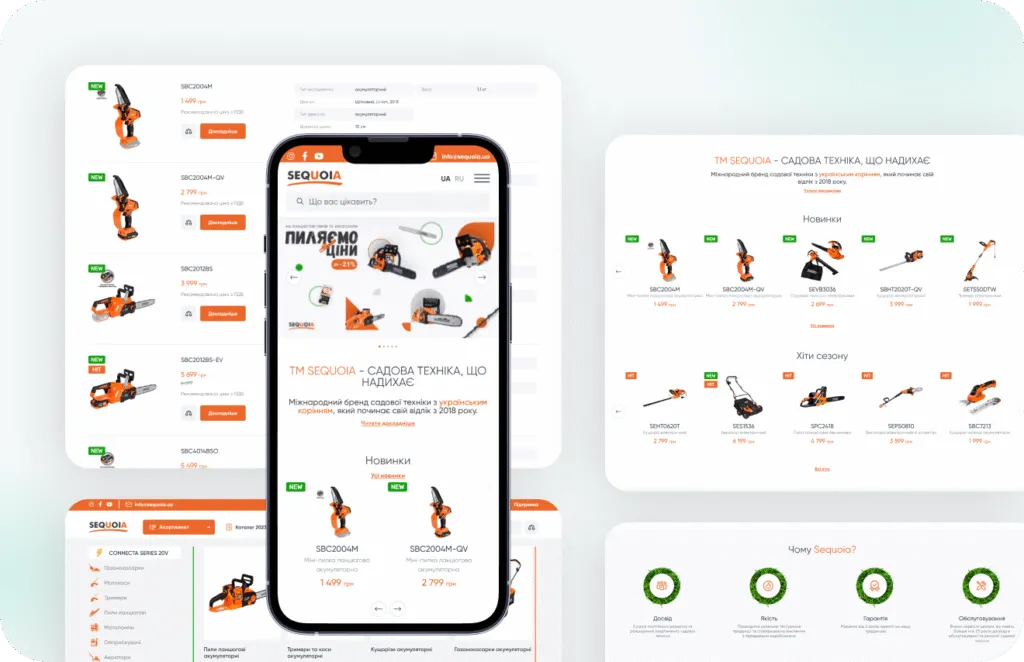
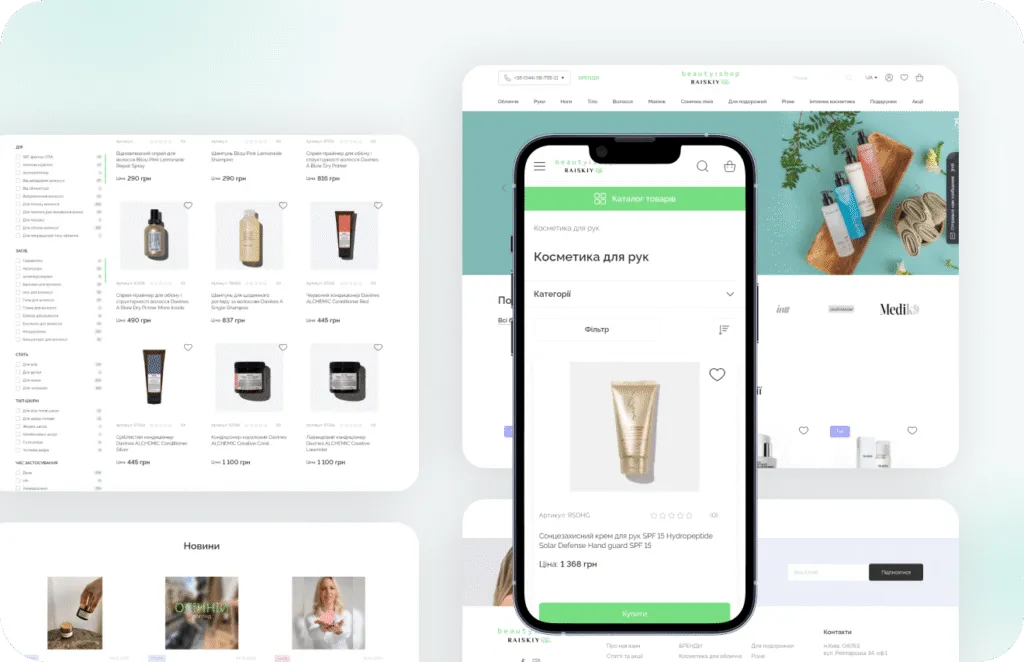
Stores we've built. Results
they've driven.


How a gateway goes live
-
Requirements
We list your markets, currencies, methods and refund rules, and check what each provider supports. 2-5 days. -
Accounts
You open the merchant accounts, and we help with settings, API keys and webhooks. Timing depends on provider approval. -
Build
Gateways configured or custom-built on staging, with checkout design adjusted. 1-4 weeks. -
Testing
Test cards, declines, 3D Secure, refunds and partial refunds checked in sandbox mode by QA. -
Go live
We switch to live keys, place a real low-value order and watch the logs in the first days.
What our clients say





Why Artilab for payment integration

Checkout is our home ground

We test the failure paths

The store stays fast

Accounts stay yours
Adding a new payment method?
Tell us your markets and provider, and you will get a fixed quote within 2 business days.
Payments FAQ
Common questions about taking payments in WooCommerce.
How much does WooCommerce payment gateway integration cost?
Adding a standard gateway like Stripe or PayPal is a small fixed-price task and often fits into a support plan. A custom gateway for a bank API is quoted after we read its documentation.
Which payment gateway is best for WooCommerce?
For most EU and US stores, Stripe or WooPayments for cards and wallets plus PayPal covers most buyers. Add Klarna or local methods based on where your customers live.
Does my store become PCI compliant?
With hosted card fields or redirect checkouts, card data never touches your server, which keeps your PCI scope small. You still complete your provider's self-assessment questionnaire.
Can you build a gateway for a local bank?
Yes, if the bank has a documented API. We build a custom WooCommerce gateway plugin with payments, refunds, webhooks and logs.
Why are my paid orders stuck on pending?
Usually a webhook does not reach your store because of a firewall, caching or a wrong endpoint. We find the cause and add logging so it cannot fail silently again.
Do Klarna and Apple Pay work with WooCommerce?
Yes. Klarna has an official WooCommerce plugin, and Apple Pay works through Stripe, WooPayments and other gateways after domain verification.
