



 WhatsApp
 WooCommerce European Accessibility Act Compliance





- 5.0 Rating on Clutch, 35 reviews
-
120+ Projects launched
-
90+ PageSpeed score as standard
-
Weekly Demos on a staging site
-
Fixed Scope and price before start
Where WooCommerce stores fail accessibility
-
01
The EAA is already in force
Since 28 June 2025, online stores selling to consumers in the EU must meet accessibility requirements. National authorities check stores and can order fixes or fine you.
-
02
Checkout traps keyboard users
Custom dropdowns, date pickers and payment fields often cannot be reached with Tab and Enter. A shopper who cannot use a mouse cannot pay.
-
03
Forms that screen readers cannot read
Fields without labels, placeholder-only hints and error messages that are only red text leave blind shoppers guessing.
-
04
Low contrast and small targets
Light grey text, thin fonts and tiny icons on mobile fail WCAG contrast and target size checks.
-
05
Overlay widgets do not fix the code
An accessibility toolbar does not repair missing labels or broken focus order. Some overlays make screen readers worse.
-
06
Plugins you do not control
Sliders, product filters, popups and cookie banners from third-party plugins add barriers that your theme cannot fix alone.
From audit to accessible store
-
Accessibility audit
Automated scans, manual checks against WCAG 2.2 AA, keyboard-only tests and screen reader tests with NVDA and VoiceOver on your key templates and flows.
-
Theme and template fixes
Headings, landmarks, alt text, focus order, skip links and visible focus styles fixed in the theme code and custom Gutenberg blocks.
Learn more -
Checkout and forms
Labels, error messages, required fields and payment steps that work with a keyboard and a screen reader, on the classic or block checkout.
Learn more -
Contrast, type and layout
Colour, font size, spacing and target size changes that pass WCAG and still match your brand.
Learn more -
Accessibility statement
We draft the statement with you: what conforms, known gaps, planned fixes and how customers can report a barrier.
-
Monitoring after release
Automated checks after each update and a manual review of new templates, so new plugins and content do not bring barriers back.
Learn more
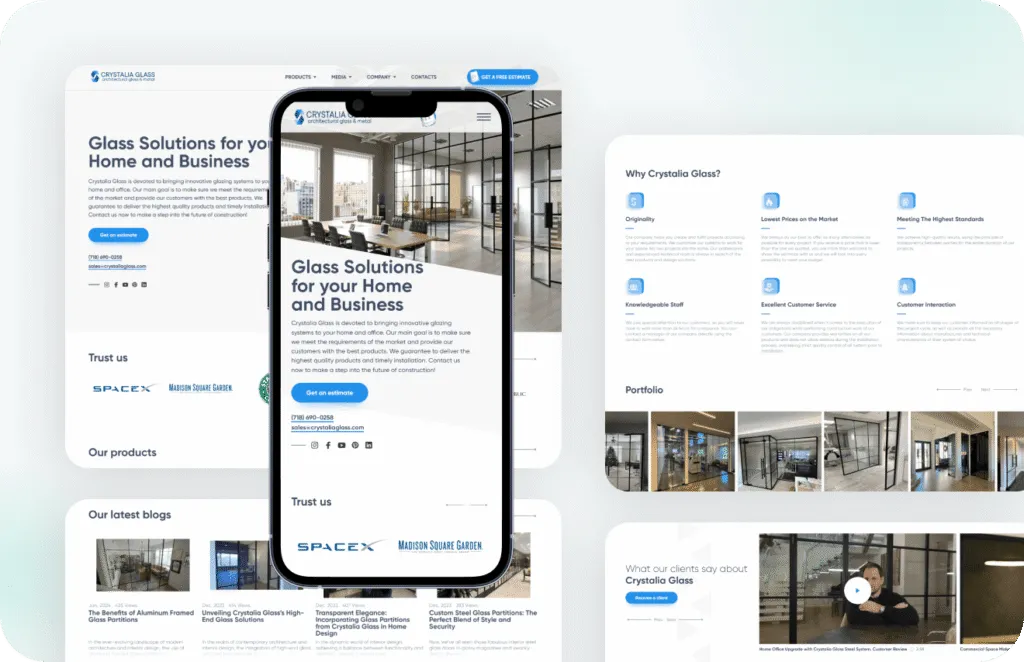
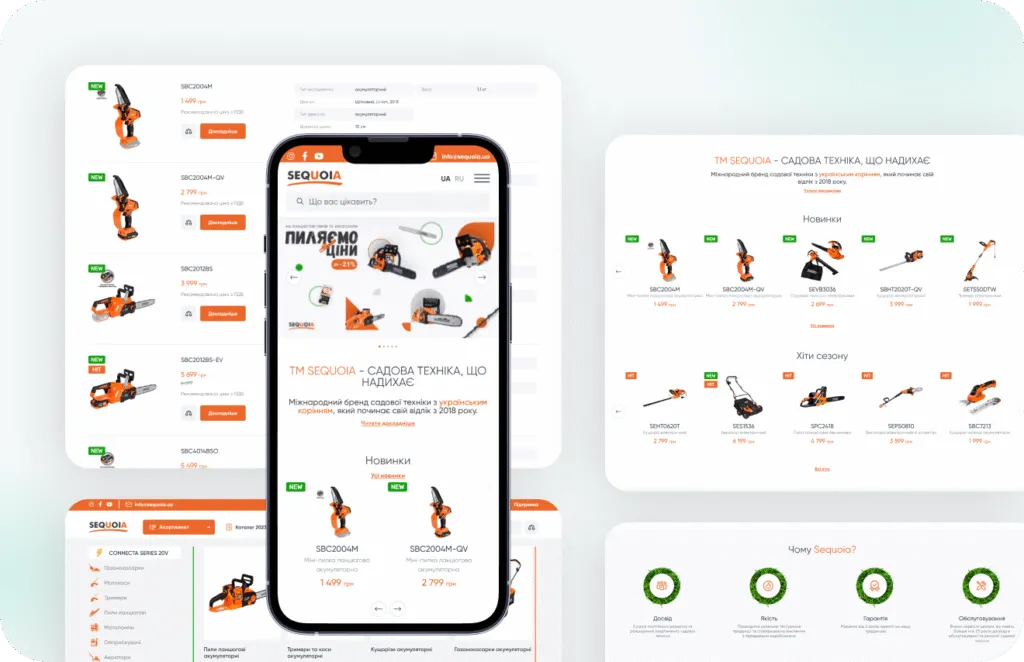
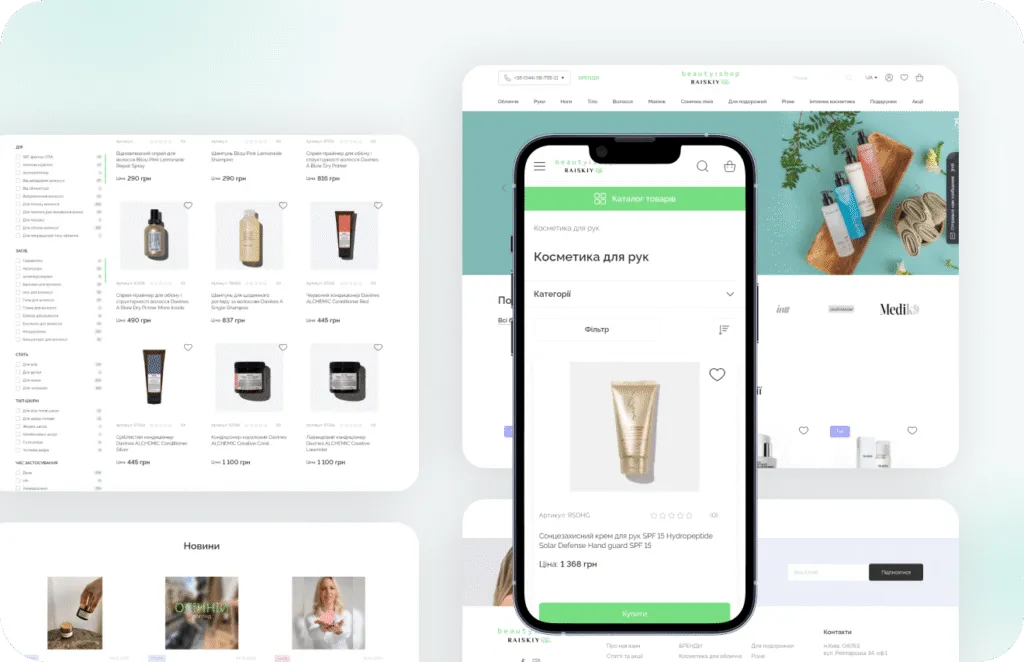
Stores we've built. Results
they've driven.


Accessibility price guide
You get a fixed price after we see your theme, plugins and number of templates.
-
Audit
For stores that need to know where they stand and what to fix first.
from $1,200 1-2 weeks
- Automated and manual WCAG 2.2 AA checks
- Keyboard and screen reader tests
- Key templates and checkout flow
- Issue list ranked by impact
- Fix estimate in hours
-
Most popular
Audit and fix sprint
For stores that want the barriers removed, not just listed.
from $4,000 3-6 weeks
- Everything in Audit
- Theme, blocks and checkout fixes
- Contrast and focus styles
- Retest of every fixed issue
- Accessibility statement draft
- PageSpeed 90+ kept
-
Monitoring
For stores that release often and add new plugins and content.
from $250/month After the fix sprint
- Automated checks after each update
- Quarterly manual review
- New templates checked before launch
- Statement kept up to date
Prices are a guide. You get a fixed quote after a free discovery call.
Overlay, scan or real fixes?
Three common answers to the EAA and what each one really covers.
| Overlay widget | Automated scan only | Audit and code fixes | |
|---|---|---|---|
| Fixes the actual code | No | No | Yes |
| Finds keyboard and focus issues | No | Partly | Yes |
| Tested with screen readers | No | No | Yes |
| Covers checkout and payment steps | Partly | Partly | Yes |
| Evidence for an accessibility statement | Weak | Partly | Yes |
| Effect on page speed | Extra script | None | None or better |
| Ongoing cost | Monthly licence | Tool licence | Optional monitoring |
How the accessibility project works
-
Scope
We agree which templates and flows to test: home, category, product, cart, checkout and account. Takes 2-3 days. -
Audit
Automated scans plus manual keyboard and screen reader tests. You get a ranked issue list in 1-2 weeks. -
Fix sprint
We fix the theme, blocks and checkout on a staging site with weekly demos. Usually 2-4 weeks. -
Retest
We retest every fixed issue and draft your accessibility statement. About 1 week. -
Monitor
Checks after each update and a quarterly manual review, so the store stays accessible as it changes.
What our clients say





Read before you decide
Practical guides from our team. Useful even if you never hire us.
Accessibility FAQ
Straight answers for store owners. This is not legal advice.
Does the European Accessibility Act apply to my WooCommerce store?
Most likely yes, if you sell to consumers in the EU, including from outside the EU. Microenterprises that provide services (fewer than 10 staff and annual turnover or balance sheet up to 2 million euro) are exempt from the service rules. Confirm your position with a lawyer, as we do not give legal advice.
Which standard do you test against?
We test against WCAG 2.2 level AA. The EU harmonised standard EN 301 549 currently points to WCAG 2.1 AA, so testing to 2.2 covers it and prepares you for the next update.
What are the fines for not complying?
Each EU member state sets its own penalties, so amounts and enforcement differ by country. Authorities can also order you to fix the store or stop selling a non-compliant service.
Will an accessibility plugin or overlay make my store compliant?
No. An overlay does not fix missing labels, keyboard traps or broken focus order in the code. We fix these issues in the theme and checkout itself.
Can you guarantee full compliance?
No one can honestly guarantee it, because content and plugins change. We give you a tested store, a retest report and a statement that shows what conforms and what is planned.
How long does it take?
An audit takes 1-2 weeks. A typical audit and fix sprint takes 3-6 weeks, depending on the theme and number of templates.
