



 WhatsApp
 Headless WordPress and WooCommerce Development





- 5.0 Rating on Clutch, 35 reviews
-
120+ Projects launched
-
90+ PageSpeed score as standard
-
Weekly Demos on a staging site
-
Fixed Scope and price before start
When classic WordPress hits limits
-
01
One content source, many channels
The same content must feed a website, a mobile app and other screens.
-
02
App-like interfaces
You need complex filters, dashboards or live updates that a theme handles poorly.
-
03
A React team in-house
Your developers work in React and want WordPress only as the content backend.
-
04
Heavy traffic peaks
Launches and campaigns bring spikes, and you want static pages served from the edge.
-
05
Headless for the wrong reason
Many teams go headless for speed, when a custom classic theme reaches PageSpeed 90+ for less.
-
06
Hidden costs
Headless means two codebases, two hosting setups and no live preview by default. Plugins that output front-end code stop working.
Headless, done properly
-
Architecture review
We check your goals and tell you whether headless, hybrid or classic WordPress fits, with costs for each.
-
Next.js front ends
Fast front ends with static generation and on-demand updates, hosted on Vercel or your cloud.
-
WordPress as a content API
Structured content with custom post types, ACF and WPGraphQL or the REST API.
-
Editor preview and blocks
Draft preview and Gutenberg blocks mapped to front-end components, so editors see what they publish.
-
Headless WooCommerce
Catalog and cart on the new front end, with a reliable WooCommerce checkout behind it.
Learn more -
SEO in a headless setup
Server-rendered pages, metadata, sitemaps, redirects and schema handled on the front end.
Learn more
Headless WooCommerce: worth it or not?
Our honest rule of thumb before you spend a larger budget.
-
Worth it
You sell through several front ends (web, app, kiosks), your catalog UX is app-like, or a React team will own the front end long term.
-
Not worth it
A single web store with standard checkout. A fast classic theme reaches PageSpeed 90+ for less money and keeps every WooCommerce plugin working.
-
What changes
Cart and catalog move to Next.js via the Store API or WooGraphQL. Plugins that print front-end code must be rebuilt, and checkout needs a clear plan.
Read our full guide
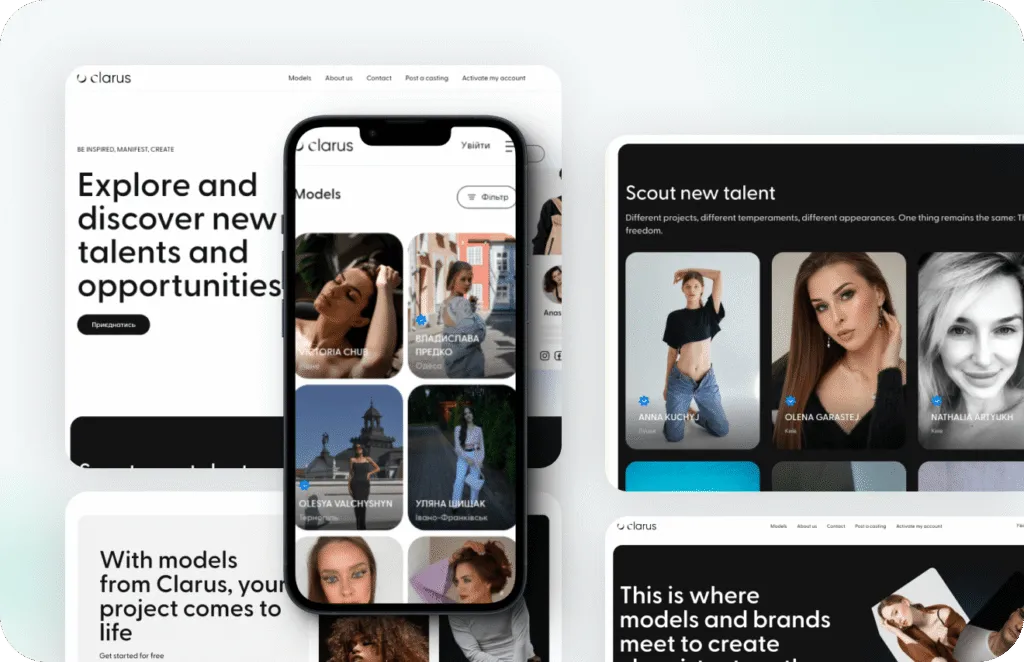
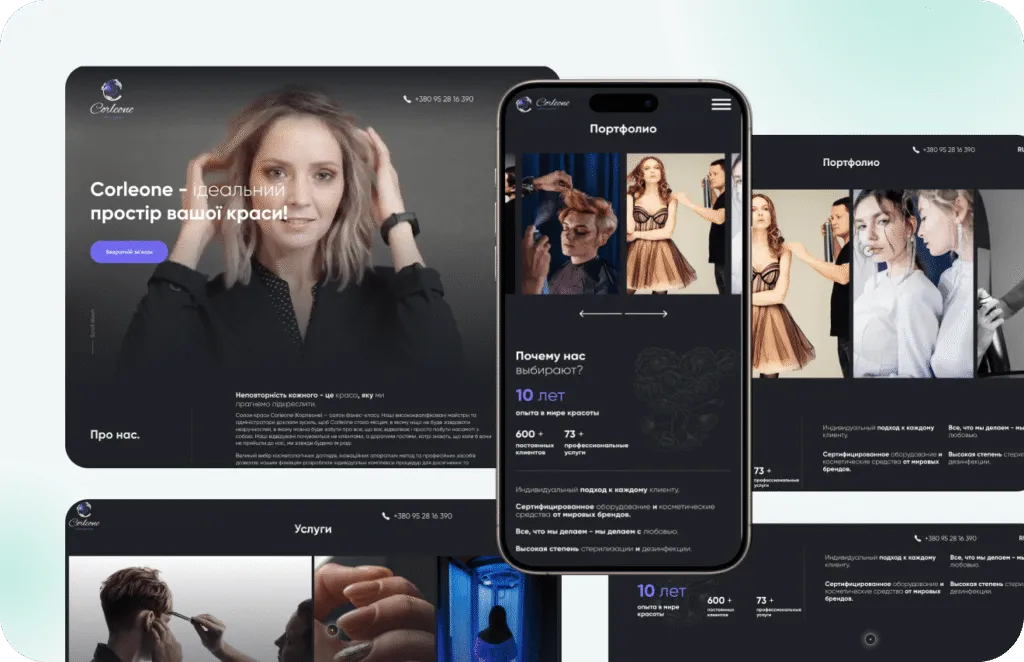
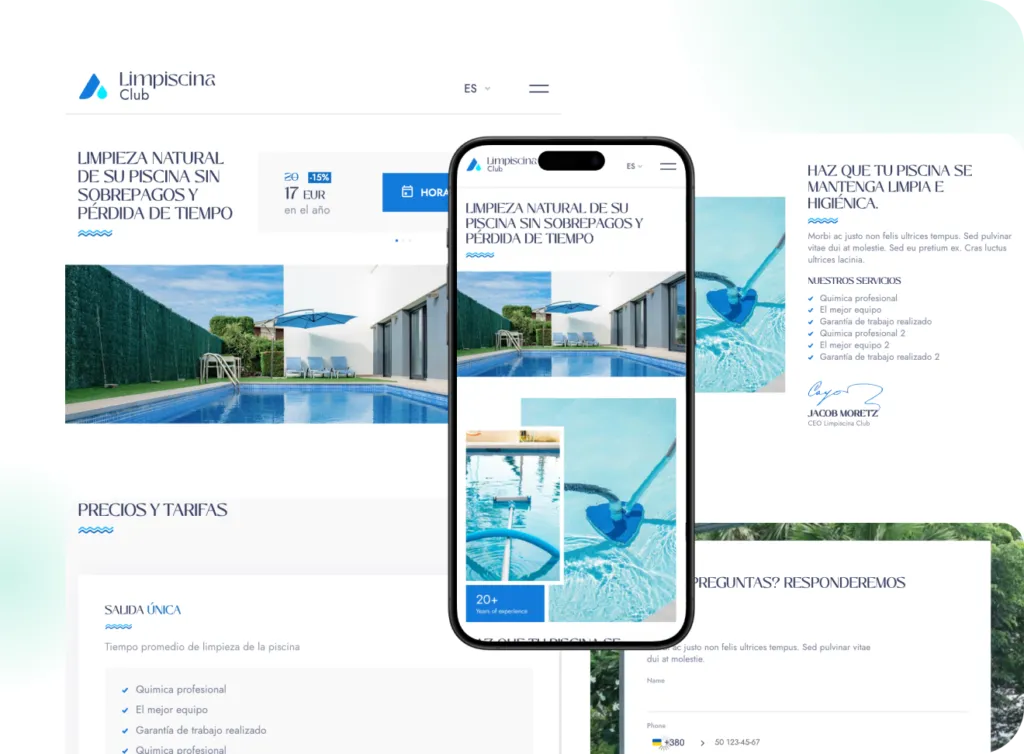
Stores we've built. Results
they've driven.
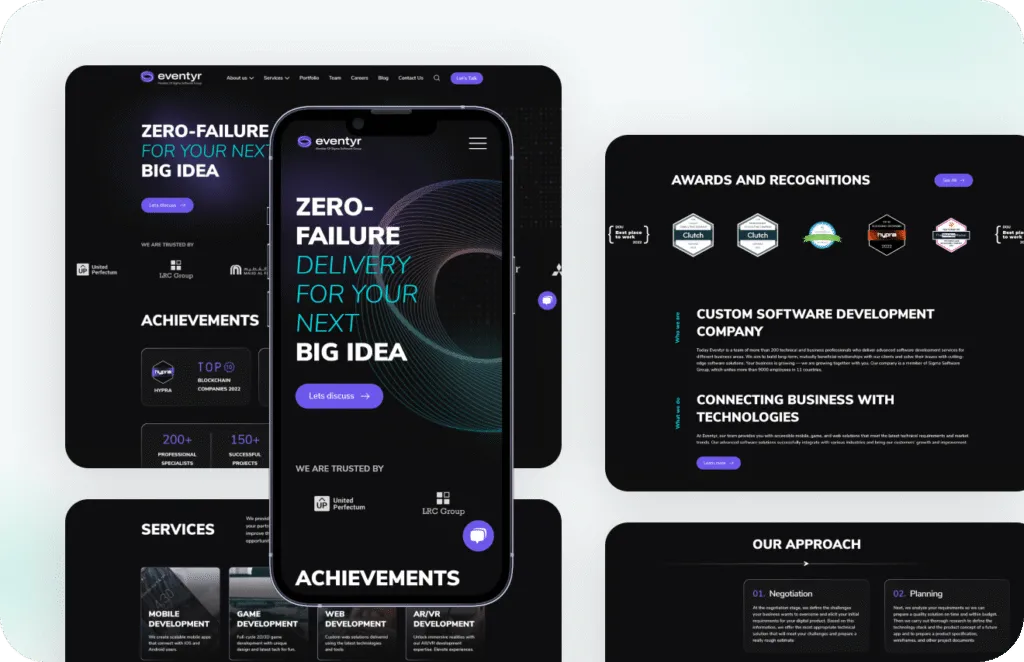
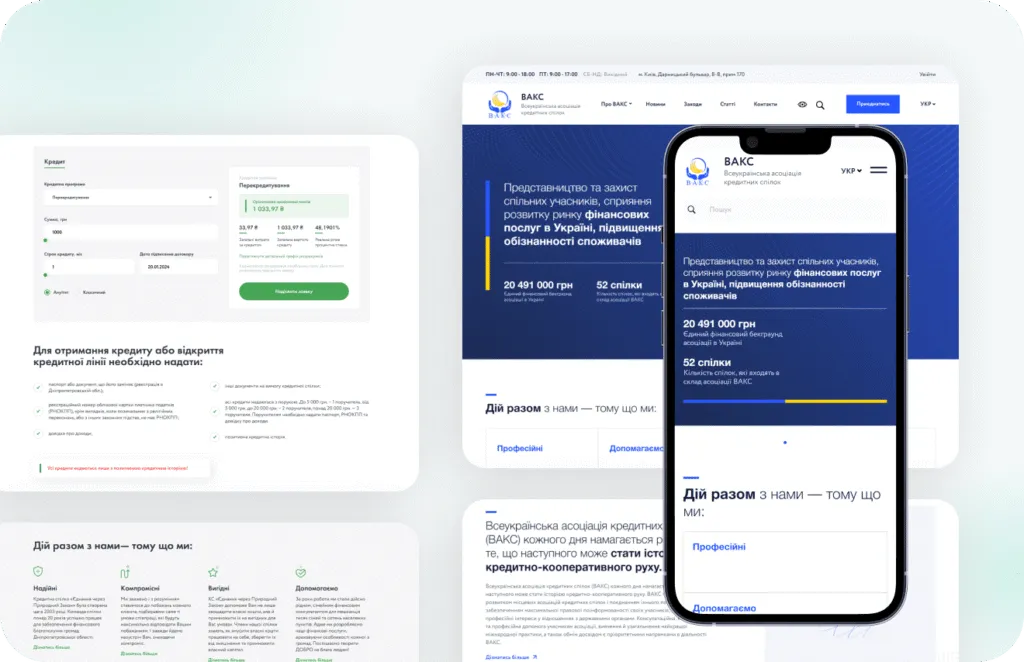
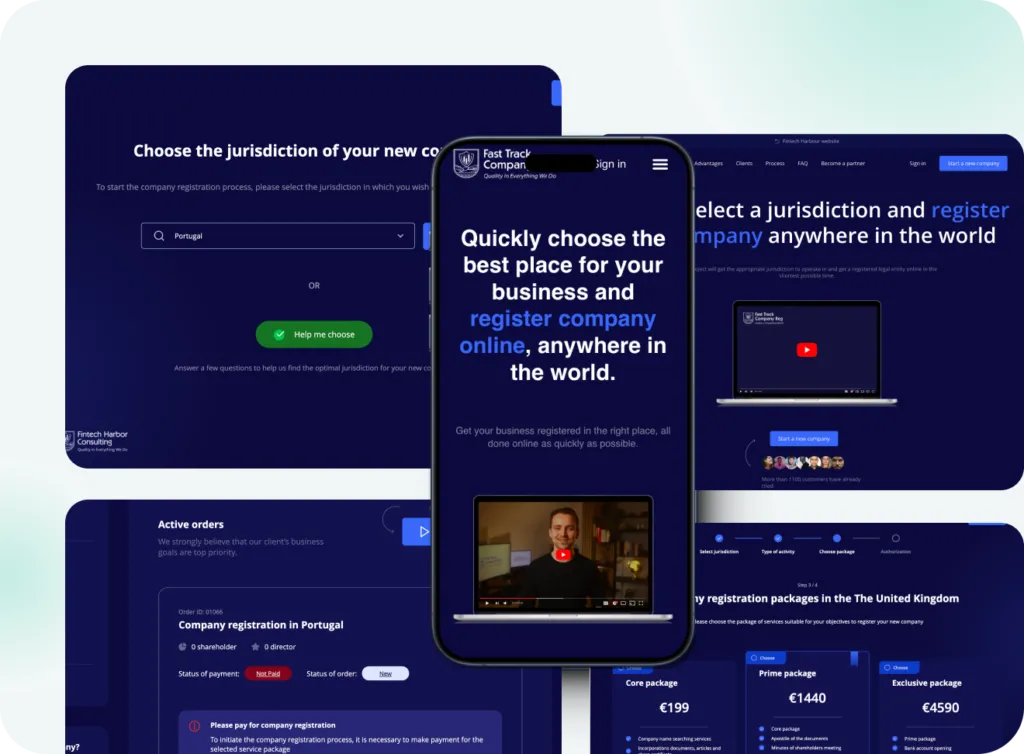
Headless project price guide
Headless costs more than classic WordPress, so we price both options when you ask.
-
Architecture review
For teams deciding between classic, hybrid and headless.
from $1,500 1-2 weeks
- Goals and traffic review
- Plugin and content audit
- Recommended architecture
- Cost and timeline for each option
-
Most popular
Headless site
For content sites and catalogs with a Next.js front end.
from $18,000 10-14 weeks
- Content model and WPGraphQL
- Next.js front end
- Editor preview
- SEO and redirects
- Hosting setup
-
Headless store
For WooCommerce stores that need a custom front end.
from $30,000 14-20 weeks
- Catalog, search and cart
- WooCommerce checkout connection
- Customer accounts
- Load testing
- Support plan
Prices are a guide. You get a fixed quote after a free discovery call.
Classic vs headless WordPress
Most business sites and stores do best with classic WordPress; headless pays off for specific needs.
| Classic WordPress | Hybrid | Headless WordPress | |
|---|---|---|---|
| PageSpeed 90+ | YesWith a custom theme | Yes | Yes |
| Build cost | Lower | Medium | Higher |
| Live editor preview | Yes | Yes | Needs extra work |
| Works with most plugins | Yes | Mostly | Back-end plugins only |
| Content for apps and other channels | Via REST API | Yes | Yes |
| Hosting | One platform | One platform plus API | Two platforms |
| Best for | Most sites and stores | A few app-like parts | Multi-channel, app-like products |
How a headless project runs
-
Discovery
We check that headless fits, define the content model and fix scope and price. 1-2 weeks. -
Design
Figma layouts and a component list shared by designers and developers. 2-4 weeks. -
Build
WordPress API and Next.js front end built in parallel, with weekly demos. 6-12 weeks. -
QA and launch
Tests for preview, caching, SEO output and load before traffic is switched. -
Support
A monthly plan covering both WordPress and the front end.
What our clients say





Headless WordPress FAQ
Including when not to go headless.
When is headless WordPress development worth it?
When content feeds several channels, the front end is app-like, or your team works in React. For a typical business site or store, a custom classic theme is faster to build and cheaper to run.
Is headless WordPress faster?
It can be, but a classic site with a custom theme also reaches PageSpeed 90+. Speed alone is rarely a good reason to go headless.
Do WordPress plugins work in a headless setup?
Back-end plugins such as ACF or SEO tools work. Plugins that output front-end code, like form builders or sliders, must be rebuilt in the front end.
Can editors preview pages before publishing?
Yes, we set up draft preview in the front end. It takes extra work, which is included in our scope.
Can WooCommerce run headless?
Yes. We build the catalog and cart on the front end and keep checkout on WooCommerce, which is the most reliable option.
How does headless affect SEO?
It is neutral when pages are server-rendered with correct metadata, sitemaps and redirects. It hurts when content renders only in the browser, so we avoid that.
Is headless WooCommerce worth it?
For most stores, no. It pays off when you sell through several front ends, need an app-like catalog, or already have a React team. Otherwise a fast classic WooCommerce theme costs less to build and to run.
