



 WhatsApp
 WooCommerce ERP Integration: Odoo, NetSuite, SAP Business One and More





- 5.0 Rating on Clutch, 35 reviews
-
120+ Projects launched
-
90+ PageSpeed score as standard
-
Weekly Demos on a staging site
-
Fixed Scope and price before start
When the store and the ERP disagree
-
01
Selling stock you do not have
The ERP updates stock once a night, so the store keeps selling items that ran out at noon.
-
02
Wrong prices for B2B buyers
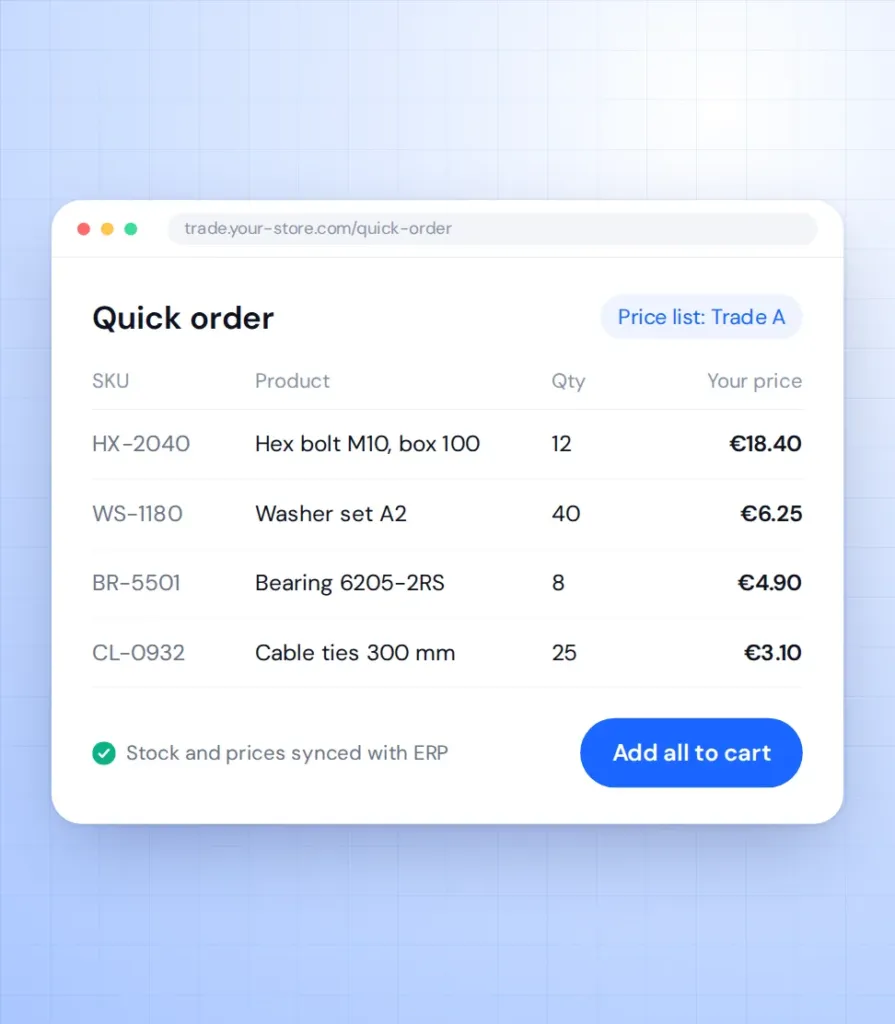
Customer-specific prices and discounts live in the ERP, but the store shows everyone the same list price.
-
03
Orders typed in twice
Staff copy each web order into the ERP by hand. Every typo becomes a wrong shipment or invoice.
-
04
CSV imports that fail quietly
A nightly file import stops on one bad row, and nobody notices for days.
-
05
Connectors that stop at standard fields
Off-the-shelf connectors map basic fields. Your units, warehouses, price lists and custom fields do not arrive.
-
06
Big catalogues time out
Syncing tens of thousands of products in one request slows the store or crashes the sync.
What we connect
-
ERPs we connect
Odoo, NetSuite, SAP Business One, Microsoft Dynamics 365 Business Central, Exact Online, AFAS, 1C and other systems with an API or database access.
-
Stock and prices
Stock per warehouse, list prices, customer-specific prices and discounts sent to the store as they change in the ERP.
Learn more -
Orders, invoices and returns
Web orders created in the ERP with the right customer, tax and shipping. Order status, invoices and credit notes sent back to the store.
-
Customers and B2B accounts
Customer records, addresses, payment terms and credit limits synced both ways, so sales and the store see the same account.
-
Sync built for large catalogues
Webhooks for urgent changes, queues and batches for bulk updates and scheduled jobs for the rest, so a big catalogue never slows the store.
Learn more -
Monitoring and error logs
Every sync logged in the admin, failed records retried automatically and alerts sent to your team when something needs a human.
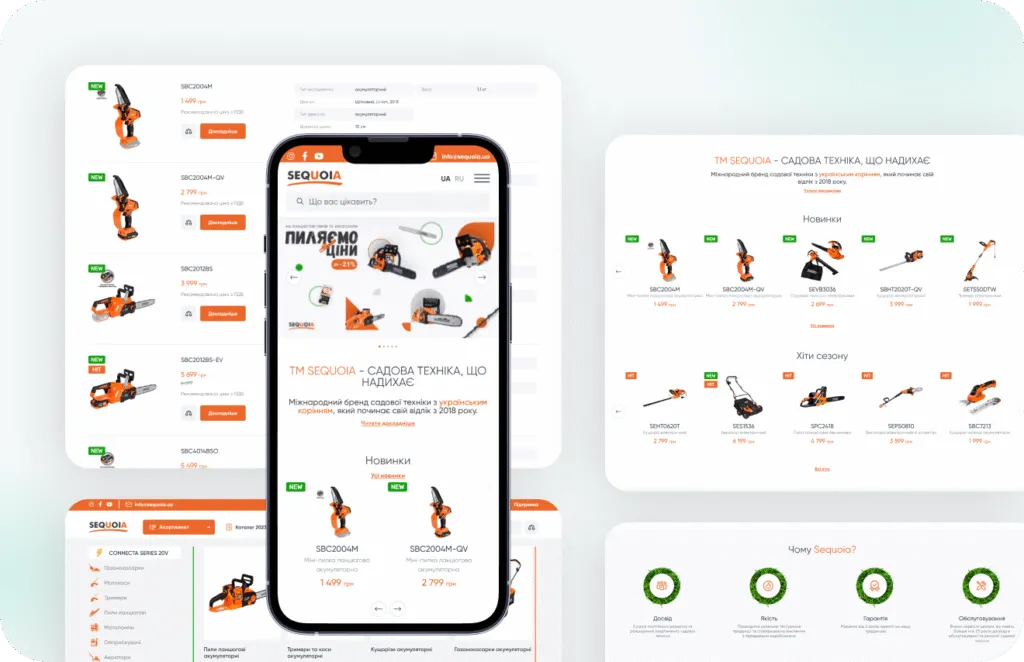
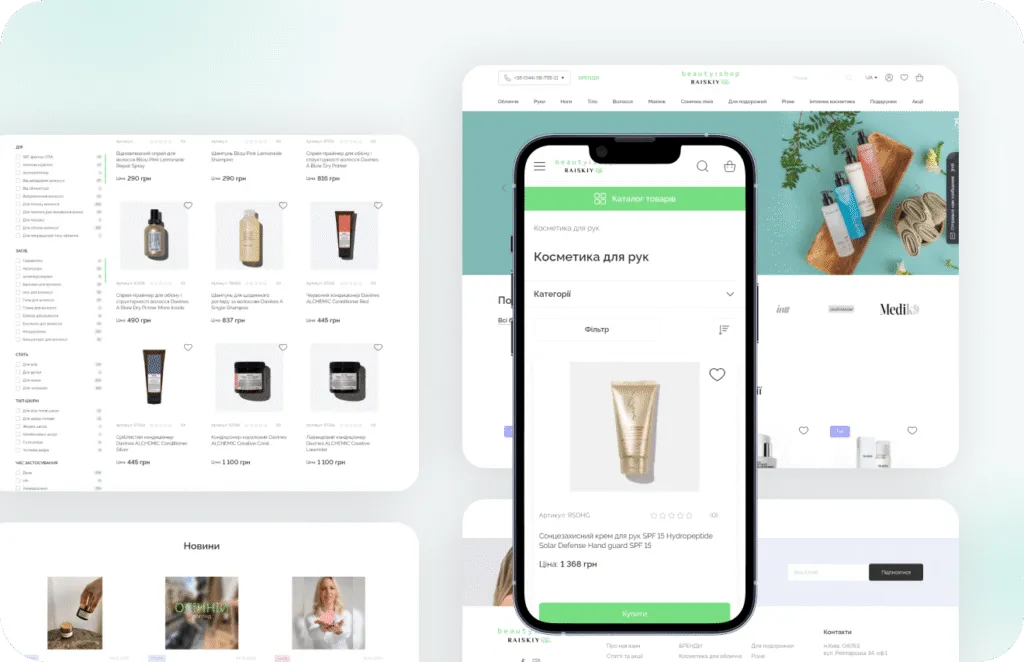
Stores we've built. Results
they've driven.




ERP integration price guide
The price depends on the ERP API, data volume and sync direction; you get a fixed quote after the discovery.
-
Single integration
For one data flow, such as stock and prices from the ERP to the store.
from $2,500 2-4 weeks
- Field mapping workshop
- One-way or two-way sync
- Error log and alerts
- Staging tests
-
Most popular
Business integration
For full ERP sync in a live WooCommerce store.
from $6,000 4-8 weeks
- Products, stock, prices and orders
- Customer-specific prices
- Queues for large catalogues
- Retries and conflict rules
- Sync dashboard in admin
- Monitoring after launch
-
Integration layer
For several systems, several stores or middleware between them.
from $15,000 8-12 weeks
- Architecture and data model
- ERP, CRM and warehouse in one flow
- Custom REST API
- Load testing
- Documentation for your IT team
Prices are a guide. You get a fixed quote after a free discovery call.
Connector, middleware or custom?
Three ways to connect WooCommerce to an ERP and where each one fits.
| Ready-made connector | Middleware platform | Custom integration | |
|---|---|---|---|
| Setup time | Days | Weeks | Weeks |
| Custom fields and price lists | Limited | Partly | Yes |
| Large catalogues | Often slow | Partly | Built for volume |
| Error logs and retries | Basic | Yes | YesIn WooCommerce admin |
| Monthly fees | Licence | Subscription per flow | Hosting only |
| Who can change it | The vendor | You or a partner | You own the code |
| Best for | Standard setups | Many simple flows | Core stock and order data |
How the integration works
-
Discovery
We map every field, price rule and status between WooCommerce and the ERP, and agree scope and price. Takes 1-2 weeks. -
Prototype
We run the sync on test data or an ERP sandbox so your team can check real records. Usually 1-2 weeks. -
Build
We build queues, retries, logs and the admin dashboard on staging with weekly demos. Takes 2-8 weeks. -
Launch
We run the new sync alongside your current process, compare results and then switch over. About 1-2 weeks. -
Monitor
We watch logs and alerts after launch and keep the integration updated on a monthly support plan.
What our clients say





Read before you decide
Practical guides from our team. Useful even if you never hire us.
-
WooCommerce ERP Integration: Odoo vs NetSuite vs SAP Business One
A practical guide to connecting WooCommerce with Odoo, NetSuite or SAP Business One. What to sync, which system owns which data, and how to build it.
Read the guide -
WooCommerce vs Shopify for B2B: An Honest Comparison From a Woo Agency
Shopify Plus has the most complete B2B out of the box. WooCommerce wins on pricing logic, ownership and cost. A fair comparison with a feature table.
Read the guide
ERP integration FAQ
What store and IT managers ask before connecting WooCommerce to an ERP.
How much does WooCommerce ERP integration cost?
A single data flow starts from $2,500. A full stock, price and order sync starts from $6,000, and multi-system integrations from $15,000.
Which ERP systems can you connect?
We connect Odoo, NetSuite, SAP Business One, Microsoft Dynamics 365 Business Central, Exact Online, AFAS and 1C. Any other ERP with an API or database access is possible after a short review.
Is the sync real time or scheduled?
Both. Urgent changes such as stock and new orders go through webhooks or short queues, and bulk updates run on a schedule.
Can the store show customer-specific prices from the ERP?
Yes. We sync price lists and discounts per customer or group, and the logged-in buyer sees their own price.
What happens if the ERP is offline?
Orders and updates wait in a queue and retry automatically. The store keeps selling, and your team gets an alert if a record fails.
Do we need to change our ERP setup?
Usually not. We adapt to your ERP data, and we only suggest changes where a field or rule is missing.
