



 WhatsApp
 WooCommerce Emergency Support: Fix a Broken Store Today





- 5.0 Rating on Clutch, 35 reviews
-
120+ Projects launched
-
90+ PageSpeed score as standard
-
1 hour Start of triage in working hours
-
You approve The fee before we start
Your store is broken and losing orders
-
01
Checkout not working
The order button spins, the cart empties or customers see an error on the last step. Every hour of this is lost revenue.
-
02
Critical error or white screen
You see "There has been a critical error on this website" or a blank page. Often a PHP fatal error from a plugin or theme.
-
03
An update broke the site
WooCommerce, WordPress or a plugin updated overnight and now pages, emails or payment settings behave differently.
-
04
Payments failing
Stripe, PayPal or a local gateway declines valid cards, orders stay in "Pending payment" or webhooks stop reaching the store.
-
05
Site down or very slow
Hosting errors, database overload or a full disk take the store offline, often at the worst moment, like a sale launch.
-
06
Store hacked
Spam pages, strange redirects, new admin users or a warning in the browser. Customer data and card trust are at risk.
How an emergency fix works
-
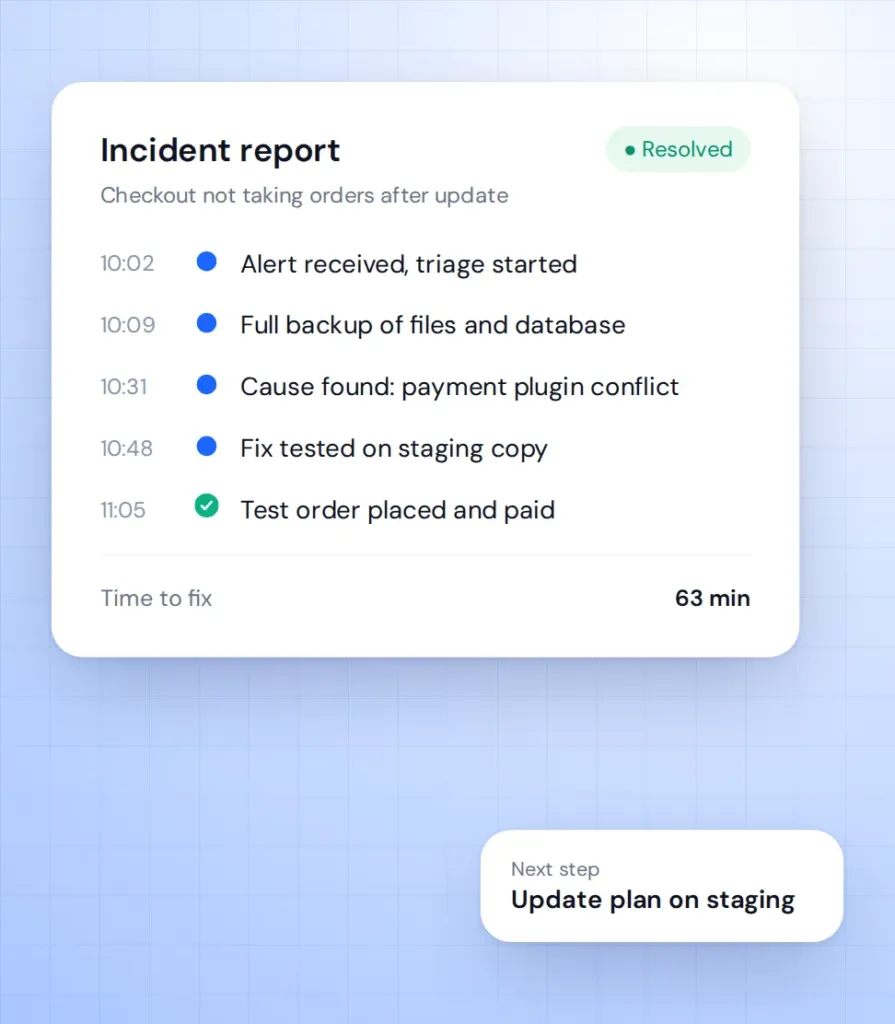
Call
You describe the problem and share access. We confirm the fee and start, usually within 1 hour in working hours. -
Backup
Full copy of files and database in the first minutes, stored outside your hosting account. -
Diagnose
Logs, recent updates and plugin conflicts checked on a staging copy where possible. Usually 30-90 minutes. -
Fix
Rollback, patch or config change applied live, then test orders and payment checks. Most single issues take 1-4 hours. -
Report
Same day you get a short report and our advice on how to stop it happening again.
Emergency price guide
A one-time fix gets you running now; a support plan makes the next emergency faster and cheaper.
-
Emergency fix
For stores with no support contract that need one urgent problem solved.
from $250 One-time, covers the first 2 hours
- Triage within 1 hour in working hours
- Full backup before changes
- Fix or rollback of the cause
- Test orders after the fix
- Short incident report
-
Most popular
Growth plan
For stores that want regular updates and a team that already knows the code.
from $750/month 4 working hours response
- Staging-first updates
- Monitoring and backups
- Monthly development hours
- Same team every month
-
Priority plan
For stores where an hour of downtime costs more than the plan.
from $1,500/month 1-hour critical response
- 30 dev hours per month
- Checkout and payment monitoring
- Tested rollback plan
- Named developer and PM
You approve the fee before we start. If the fix needs more than 2 hours, we give you an estimate first. Small store? The Care plan from $300/month covers tested updates, backups and a team on call. See all support plans on the maintenance page.
What happens after you call
-
Triage
A developer checks error logs, recent changes and the checkout flow to find where it breaks. You get a first status update within the hour.
-
Backup before any change
We take a full copy of files and database before touching anything, so no fix can make things worse without a way back.
-
Rollback on staging
Where possible, we clone the store to staging and test a rollback of the update that caused the problem before applying it live.
-
Checkout and payment fix
We repair the order flow, gateway settings and webhooks, then place real test orders to confirm money and emails arrive.
-
Hack response
If the store is compromised, we contain it first and move to a full clean-up and entry point search.
Learn more -
Short incident report
What broke, why, what we changed and what to do so it does not happen again. Plain language, no jargon.
DIY vs freelancer vs Artilab
Who to trust with a broken store when every hour costs orders.
| Fix it yourself | Freelancer | Artilab | |
|---|---|---|---|
| Start time | Now, if you know how | Depends on availability | Within 1 hour in working hours |
| Backup before changes | Often skipped | Sometimes | Always |
| Test on staging first | Rarely | Sometimes | Where possible |
| Finds the root cause | Partly | Partly | Yes |
| QA check of checkout | No | Rarely | Test orders every time |
| Written incident report | No | Rarely | Yes |
| Help after the fix | No | If still available | Support plan option |
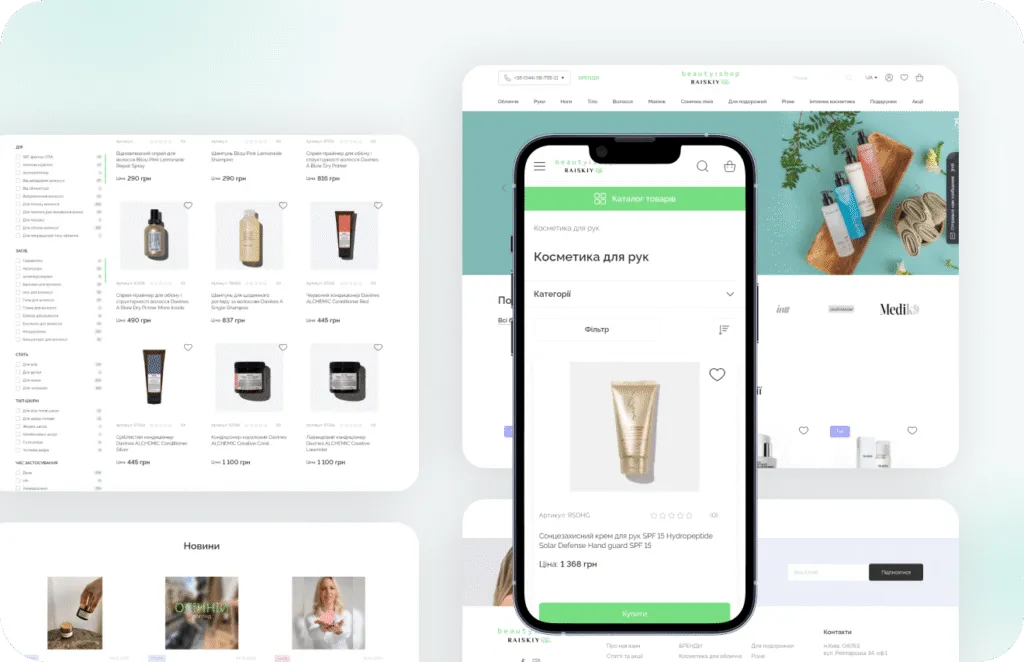
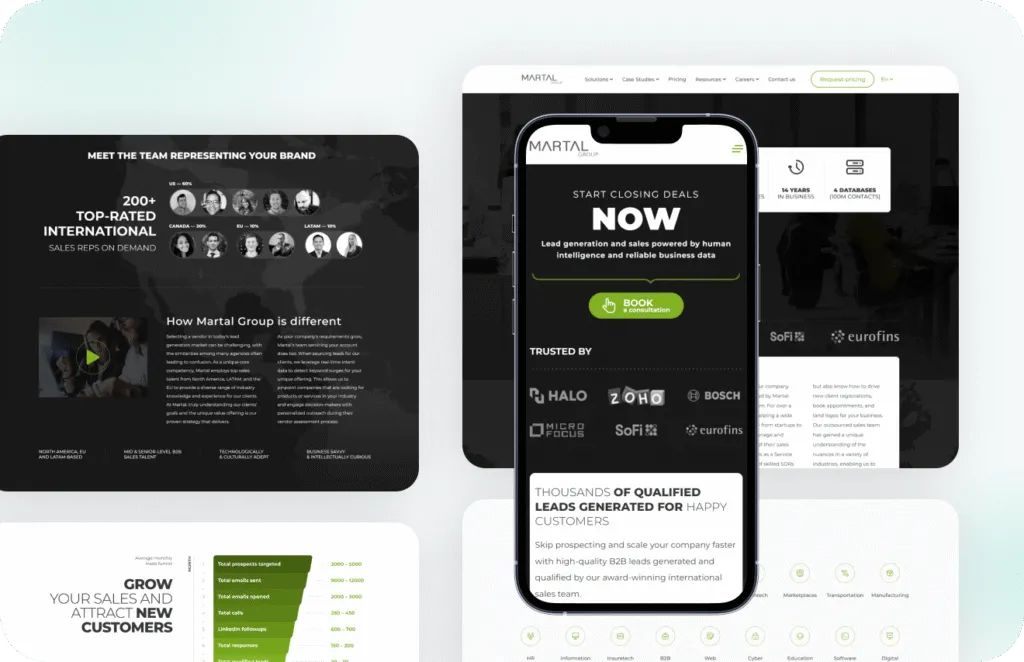
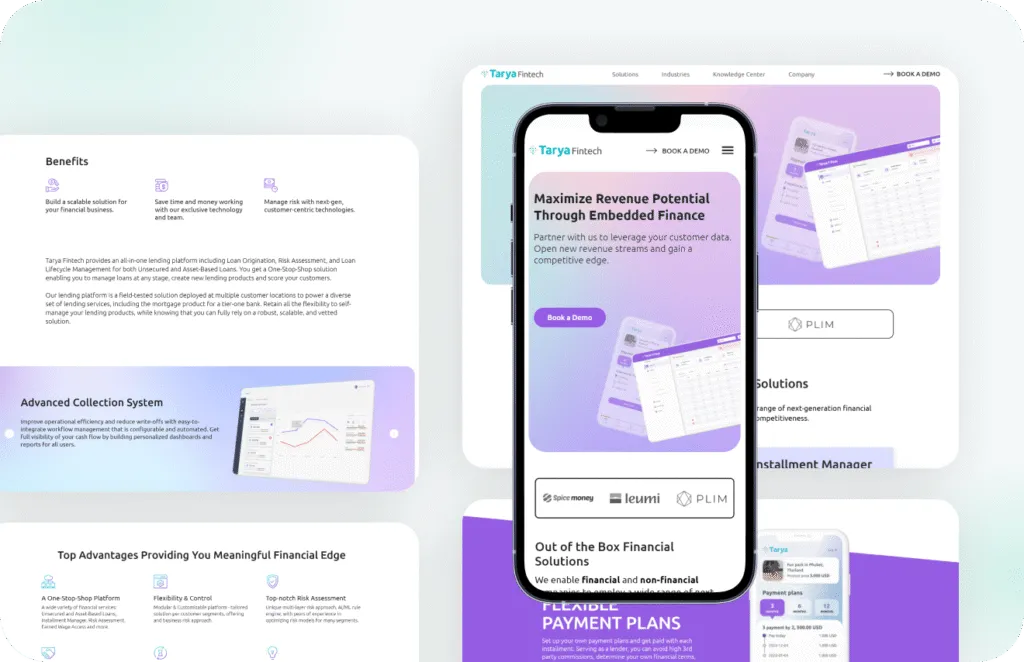
Stores we've built. Results
they've driven.



What our clients say





Read before you decide
Practical guides from our team. Useful even if you never hire us.
-
WooCommerce Checkout Broken After an Update: 30 Minute Fix Checklist
A practical 30 minute checklist to get a WooCommerce checkout taking orders again after an update, then find the real cause without guessing.
Read the guide -
Your WooCommerce Developer Disappeared? How to Take Back Your Store
A step by step recovery plan for store owners whose WooCommerce developer went silent: which accounts to reclaim first, how, and what to ask the next developer for.
Read the guide -
WooCommerce Maintenance Cost: What a Plan Should Include (and Not)
WooCommerce maintenance prices explained: what a plan should cover, the things that don't belong in it, tool costs if you do it yourself, and questions to ask before you sign.
Read the guide
Emergency support FAQ
Short answers for when you need help right now.
How fast does WooCommerce emergency support start?
Usually within 1 hour during European working hours. US hours and weekends are available on request and on the Priority plan.
Do you need admin access?
Yes. We need WordPress admin, hosting or SFTP, and database access. We send you a short checklist and remove our access when you ask.
Can you guarantee the fix?
We cannot promise a fix before we see the cause. We promise a backup first, a clear status within the hour and no work beyond the agreed fee without your OK.
An update broke my checkout. Should I roll back myself?
Only if you have a fresh backup. A rollback of WooCommerce without restoring the database can break orders, so let us test it on staging first.
What if the fix takes longer than 2 hours?
We tell you what we found and give an estimate before continuing. You decide whether to go on.
Is this cheaper on a support plan?
Yes. On a plan we already know your code and have backups, so fixes are faster and come out of plan hours.
