



 WhatsApp
 BigCommerce to WooCommerce Migration





- 5.0 Rating on Clutch, 35 reviews
-
120+ Projects launched
-
90+ PageSpeed score as standard
-
Weekly Demos on a staging site
-
Fixed Scope and price before start
Why BigCommerce stops fitting
-
01
Plans tied to your sales
BigCommerce sets a yearly online sales limit on each plan. When you grow past it, you move to a pricier plan whether you need its features or not.
-
02
Enterprise pricing at scale
Larger stores are pushed toward Enterprise with custom pricing. Costs grow with revenue, not with what the store needs.
-
03
Theme work needs Stencil
Deeper design changes mean Stencil and Handlebars templates. Fewer developers know it, and some areas stay locked.
-
04
Content comes second
The built-in blog and page tools are basic. Content and marketing teams often want the full WordPress editor.
-
05
Apps add monthly costs
Features like advanced search, subscriptions or product add-ons often need paid apps with their own monthly bills.
-
06
No hosting choice
Your store runs only on BigCommerce servers. You cannot choose the host, the server stack or where your data lives.
What we migrate from BigCommerce
-
Products, variants and modifiers
Variant options become WooCommerce variations. Modifier options, like engraving text or gift wrap, become product add-on fields.
-
Categories and brands
The category tree and BigCommerce brands move with their images, descriptions and product assignments.
-
Customer groups and pricing
Customer groups and price lists become WooCommerce roles with their own prices. For deeper B2B needs, see our wholesale service.
Learn more -
Customers and orders
Profiles, addresses and full order history. BigCommerce does not export passwords, so customers get a reset email at launch.
-
URLs, SEO and reviews
Every product, category, brand and blog URL gets a 301 redirect. Meta data, reviews and blog posts move too.
-
Integrations and the rest
Shipping, tax, ERP and marketing tools are reconnected. See the full scope on our WooCommerce migration page.
Learn more
Stores we've built. Results
they've driven.


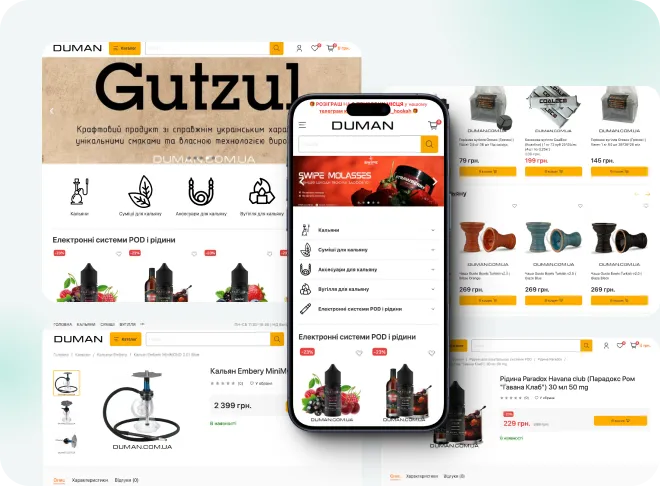
BigCommerce migration pricing
Final price is fixed after a free audit of your store, before any work starts.
-
Small store
For a BigCommerce store with a simple catalog and a standard theme.
from $1,500 2-4 weeks
- Up to 1,000 products
- Customers and order history
- 301 redirects for all URLs
- Brands and reviews
- Password reset email at launch
-
Most popular
Growing store
For stores with variants, custom fields and a few key integrations.
from $3,500 4-6 weeks
- Up to 10,000 products
- Standard theme adapted to your brand
- Modifiers to add-on fields
- Customer group pricing
- Weekly demos on staging
-
Large store
For large catalogs, custom logic and ERP or CRM connections.
from $7,000 6-10 weeks
- 10,000+ products
- ERP or CRM integration
- Price lists and B2B logic
- Multi-storefront setups
- Post-launch SEO monitoring
Prices are a guide. You get a fixed quote after a free discovery call. A new custom design is priced separately (see the cost calculator).
BigCommerce vs WooCommerce
BigCommerce is a solid hosted platform; the difference is control and cost as you grow.
| BigCommerce | WooCommerce | |
|---|---|---|
| Plan tied to sales | YesLimit per plan | No |
| Transaction fees | None | None |
| Theme customization | Stencil, some areas locked | Full control |
| Content and blog | Basic | Full WordPress CMS |
| Hosting | BigCommerce only | Any host you choose |
| B2B features | B2B Edition, extra cost | Plugins or custom code |
| Getting started | Quick, fully hosted | Needs hosting and setup |
How the migration works
-
Audit
We review your BigCommerce data, apps and URLs, including price lists and customer groups, and agree a fixed scope and price. Takes 2-5 days. -
Test import
We run a full test migration to a staging site so you can check products, customers and orders. Usually done in the first week. -
Build
We rebuild the design and features in WooCommerce with custom Gutenberg blocks, with weekly demos. Takes 1-8 weeks depending on size. -
Launch
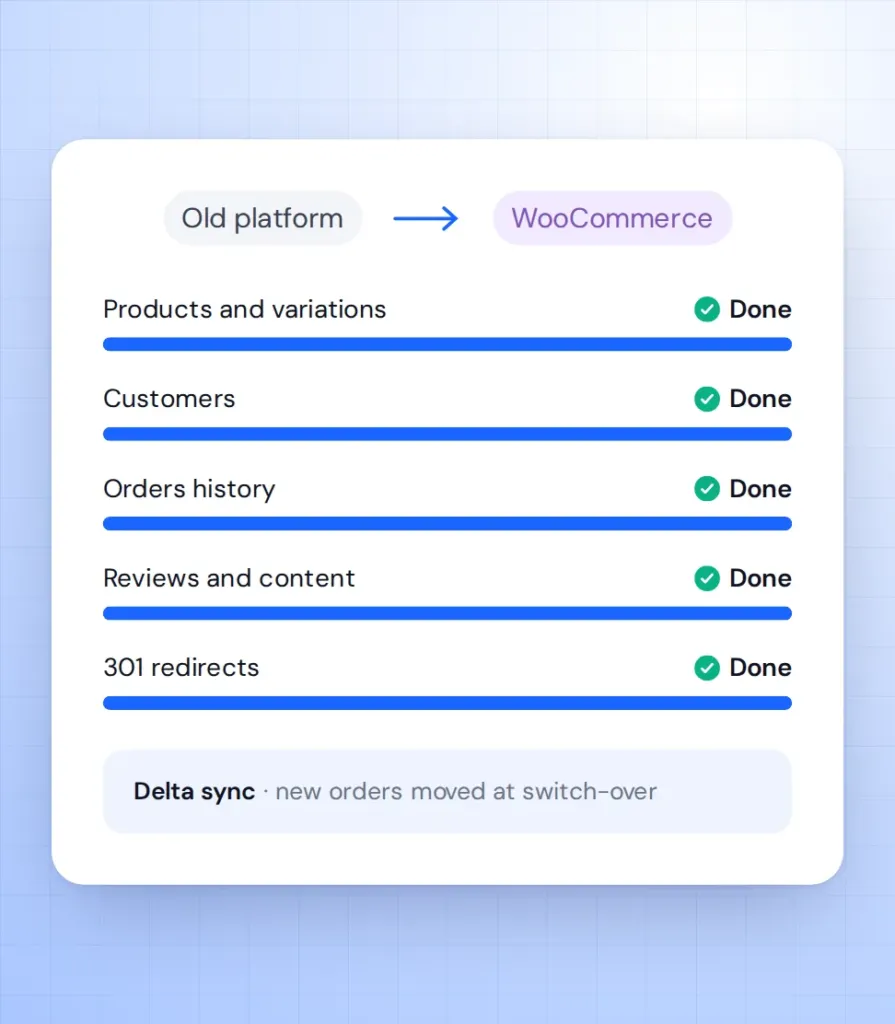
We sync new orders and customers, switch on 301 redirects and move the domain. BigCommerce stays live until the switch, so no orders are lost. -
Support
We watch orders, speed and Search Console in the weeks after launch. Then you can move to a monthly support plan.
What our clients say





BigCommerce migration FAQ
Answers for BigCommerce owners weighing the move.
How long does a BigCommerce to WooCommerce migration take?
A small store with up to 1,000 products takes 2-4 weeks. Larger catalogues take 4-10 weeks. You get a fixed timeline after the audit.
Will my customer group prices carry over?
Yes. We rebuild customer groups as WooCommerce roles with their own prices and test them with real accounts on staging.
Can customers keep their passwords?
No. BigCommerce does not export password hashes. Customers set a new password through a reset email we send at launch.
Will my SEO survive the move?
Yes, when every URL is redirected. We 301-redirect all product, category and blog URLs and keep your meta data.
Is WooCommerce cheaper than BigCommerce?
Often, for growing stores. You pay for hosting and chosen plugins, and your costs do not rise just because your sales do.
Can WooCommerce run several storefronts like BigCommerce?
Yes. We use WordPress Multisite or a multilingual setup, depending on how your storefronts differ.
